You clicked, the timer ran, the ad closed, and the balance did not move. It is the most quietly infuriating failure in paid-to-click, because there is nothing to complain about that anyone can see — the click simply did not register.
There are eight common causes, and they split cleanly into two groups: things on your side that you can fix in a minute, and things on the platform's side that you cannot fix at all but can recognise. Knowing which group you are in saves you from wasting an afternoon on the wrong fix.
Most non-crediting clicks are caused by an ad blocker or privacy extension, a background tab that throttled the timer, or a session that expired mid-view. Disable blockers for the platform's domain, keep the ad tab focused until the timer completes, and reload if your session has been idle. If clicks fail across every ad on the site, the problem is the platform's ad server, not your browser.
Two groups of causes, and why the split matters
The distinction is simple and it determines what you do next. If the failure is on your side, it is fixable and probably affects only some ads. If it is on the platform's side, no amount of browser troubleshooting will help and the right move is to stop clicking and report it.
The test: try a different ad type. If one type credits and another does not, the problem is likely the ad itself. If nothing credits, the problem is your setup or the platform.
Causes on your side
1. An ad blocker or privacy extension
This is the most common cause by a wide margin. A blocker that removes the ad's tracking pixel also removes the signal that tells the platform the view happened. The timer may still run, because the timer is the platform's own script, but the credit never fires.
Fix: allow the platform's domain in your blocker, or disable it for that site. Do not disable it globally — that is a security trade you do not need to make.
2. A background tab
Browsers throttle timers in background tabs to save power. A 30-second timer in a background tab can take minutes of wall-clock time, and some platforms treat an over-long view as invalid. Keep the ad tab focused until the timer completes.
3. An expired session
If you left the dashboard open overnight, the session token may have expired. The ad loads, the timer runs, and the credit request is rejected as unauthenticated. Reload the dashboard before starting a session.
4. Multiple tabs on the same account
Many platforms allow only one active session. A second tab can invalidate the first, so the click you made in tab one is credited to a session that no longer exists.
| Cause | Symptom | Fix | Time |
|---|---|---|---|
| Ad blocker | Some ads credit, others never do | Allowlist the domain | 1 min |
| Background tab | Timer takes far longer than stated | Keep tab focused | Instant |
| Expired session | Nothing credits after a long idle | Reload and log in again | 1 min |
| Multiple tabs | Credits appear in the wrong tab or not at all | Use one tab | Instant |
Causes on the platform's side
5. The advertiser's tracking failed
PTC platforms are paid by advertisers per verified view. If the advertiser's own tracking pixel fails, the platform does not get paid and cannot pay you. This is invisible to you and affects everyone clicking that ad.
6. The ad was pulled mid-view
Advertisers can pause a campaign at any moment. If the campaign stops while your timer is running, the view may be discarded. This produces a burst of failures on one specific ad, then it disappears from the list.
7. Daily caps already reached
Many platforms cap how many ads of a type you can view per day. The ad still appears in the list but credits nothing once the cap is hit. Check your daily counters before assuming a fault.
8. The platform's credit queue is backed up
Some platforms batch credits rather than applying them instantly. A delay of minutes to hours is normal on those systems and is not a failure at all.
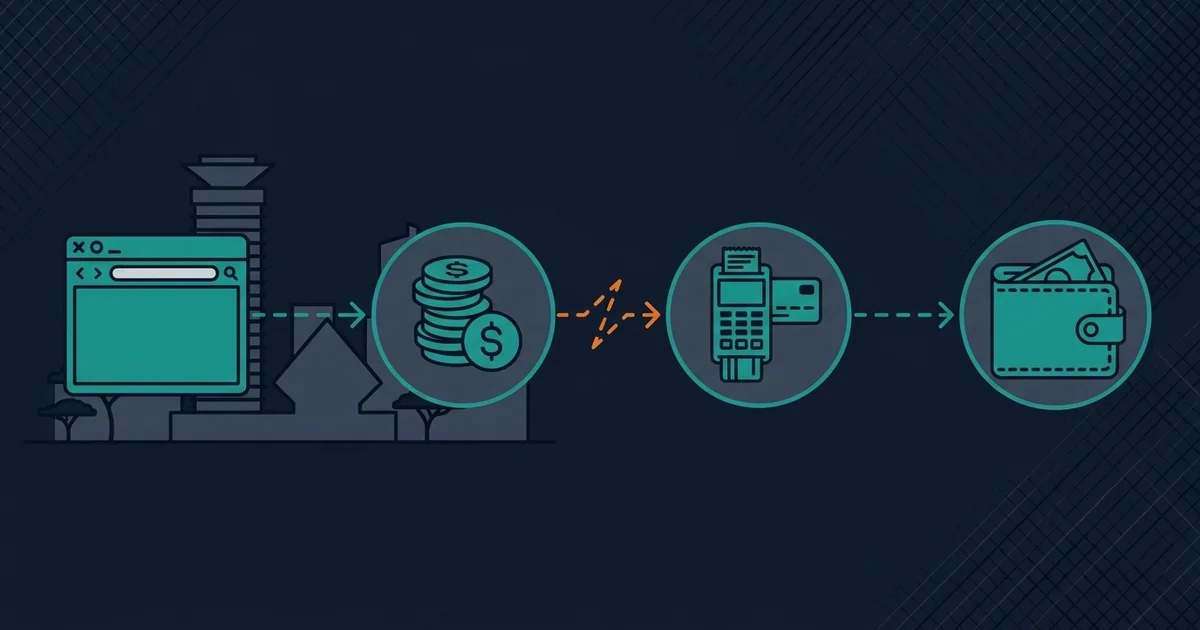
A five-minute diagnostic
Try a different ad type
If one type credits and another does not, the problem is that ad, not your browser. Stop troubleshooting your setup.
Disable blockers for the domain only
Reload, then click one ad. If it credits, you have found it. Re-enable the blocker afterwards and allowlist just this site.
Check your daily counters
Look for a per-type cap. A cap that is already reached produces exactly the symptom you are seeing.
Open the browser console
Press F12, watch the Network tab while you click. A failed request to a credit endpoint, or a blocked request to an ad domain, tells you which side the fault is on.
Try one ad in a clean profile
A fresh browser profile with no extensions isolates the variable. If it credits there, an extension is the cause.
The console is the fastest answer. A blocked request to an ad network domain means your blocker. A 401 or 403 on the credit endpoint means your session. A 500 means the platform. Three seconds of looking beats twenty minutes of guessing.
What to report, and what not to
If the fault is on the platform's side, report it once with specifics: the ad name, the time, the ad type, and what the console showed. That is a report a developer can act on.
What not to do: open a ticket for every failed click. A support queue flooded with duplicates delays the fix for everyone, including you.
Some members respond to non-crediting clicks by installing an auto-clicker or a script that retries. That is the fastest route to a permanent ban, and it will be detected. A few lost cents is a much cheaper outcome.
Preventing it
- Allowlist the platform domain in your blocker rather than disabling the blocker.
- Work in one tab, focused, for the length of a session.
- Reload the dashboard if it has been open for hours.
- Check counters before a long session so you are not clicking into a cap.
- Keep a rough log of what you clicked and what credited, so a pattern is visible in a day rather than a week.
Reading the pattern instead of the single click
One failed click tells you almost nothing. A pattern of failures tells you which side of the chain is broken, and it takes about a day of light note-taking to see.
| Pattern | Most likely cause | What to do |
|---|---|---|
| Every ad fails, every time | Blocker, session, or platform outage | Console check, then one report |
| One ad type fails, others credit | That advertiser's tracking | Skip that type, report once |
| Failures start at a specific time of day | Platform batch queue or cap reset | Shift your session |
| Failures start after a browser update | Extension or privacy setting changed | Clean profile test |
| Failures only on mobile data | Carrier proxy stripping requests | Try Wi-Fi to confirm |
The mobile-data row catches people out. Some carriers run transparent proxies that strip or rewrite requests to ad domains, which breaks the credit signal while leaving the page working. If clicks credit on Wi-Fi and fail on mobile data, the carrier is the cause and no amount of browser troubleshooting will fix it.
Is it worth chasing at all?
An honest calculation, because this is where members waste the most time.
A single ad view on a typical platform pays somewhere between half a cent and two cents. If you spend twenty minutes diagnosing a non-crediting ad, you have spent more value in time than a week of that ad's views would return. The rational response to a single failed click is to move to the next ad.
The exception is a systematic failure, where every click fails and your whole session is wasted. That is worth ten minutes of diagnosis, because it is not one ad — it is your entire earning capacity on that platform until it is fixed.
The rule of thumb. One failed ad: ignore it. A whole session of failed ads: diagnose it. A week of failed ads: stop clicking and report, because the platform has a problem it is not telling you about.
Sources and method
Credit mechanics are described from platform documentation and observed behaviour across common PTC platforms in 2026. Browser timer throttling behaviour is documented by browser vendors. Specific platform caps and queue behaviour vary and change without notice.
Frequently Asked Questions
Why did my PTC ad not credit after the timer finished?
The most common cause is an ad blocker or privacy extension removing the tracking signal while leaving the platform's own timer running. Allowlist the platform's domain and try again. If one ad type credits and another does not, the problem is that specific ad, not your browser.
Does keeping the tab in the background stop credits?
It can. Browsers throttle timers in background tabs, so a 30-second timer can take minutes of real time, and some platforms treat an over-long view as invalid. Keep the ad tab focused until the timer completes.
Why do some ads never credit but others do?
That pattern points at the ad rather than your setup. Either the advertiser's tracking pixel is failing, the campaign was paused mid-view, or you have hit a daily cap for that ad type. Check your counters first, then report the specific ad.
Can I use an auto-clicker to work around non-crediting ads?
No. Automation is detected and is one of the fastest routes to a permanent ban. A few lost cents is a far cheaper outcome than losing the account and any balance in it.
How do I check whether my browser is blocking the credit?
Open the browser console with F12 and watch the Network tab while you click. A blocked request to an ad domain means your blocker; a 401 or 403 on the credit endpoint means your session expired; a 500 means the platform's server.
Verdict
Non-crediting clicks are almost always one of three things: a blocker, a background tab, or an expired session. Those take a minute to rule out. If all three are clear and nothing credits, the fault is upstream and the right move is one good report rather than twenty retries.
The habit worth building is the console check. It turns a vague frustration into a specific answer in seconds, and it is the difference between fixing your setup and blaming the platform for something you caused.
For the wider reliability picture see the verification checklist, and for earnings expectations see how to calculate your hourly rate.
Other ways to earn beyond this guide
Sponsored partner offers for readers who want a second income stream alongside PTC tasks. These links are paid placements — the partner sets the terms, the rewards and the payout.
See the sponsored offers →Opens a partner page in a new tab. This is not a CatPTC task and does not credit your CatPTC balance.
Test CatPTC with the $1.50 signup bonus
Registration costs nothing, needs no card, and new members get $1.50 credited instantly.
Create your free account →No deposit required to start. Withdrawals in BTC, ETH, LTC, DOGE or USDT.