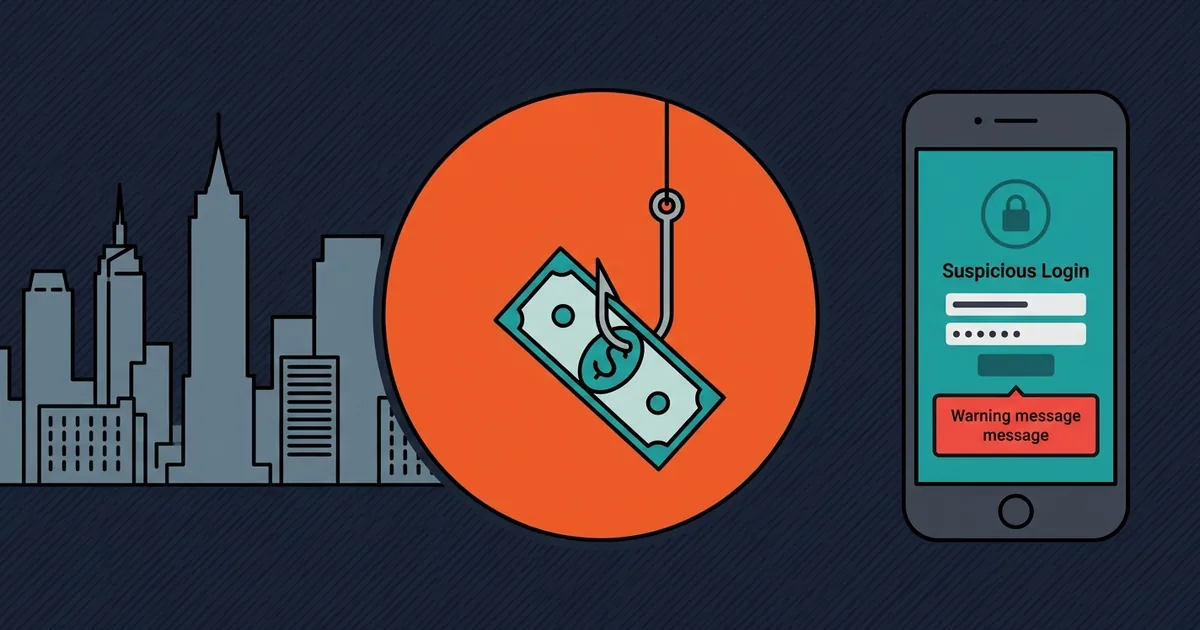
The seven PTC phishing patterns that work are fake login pages, Telegram support impersonators, fake payout screenshots, cloned sites on lookalike domains, fake airdrop claims, malicious browser extensions and "verification fee" messages. The common thread is urgency plus a link - no legitimate platform creates either.
1. The fake login page
A link arrives by email, Telegram or a comment, pointing at a domain that looks almost right: catptc-support.com, catptc-login.net, catptc.verify-account.io. The page is a pixel-perfect copy of the real login. You type your password and the attacker has it, along with any 2FA code you enter.
The defence is not vigilance, it is a bookmark. Bookmark the real login page once and always use the bookmark. A login page reached from a link is a login page you have not verified.
2. The Telegram support impersonator
You post a question in a public channel and within minutes a "support agent" messages you privately, with the platform's logo as an avatar and a username one character off the real one. They ask for your email, then your password, then your 2FA code, framed as verification.
No legitimate support agent messages first, and none needs your password or your 2FA code. Support can see your account without either. This is the single most successful PTC phishing pattern because it arrives exactly when you are already worried.
Support never DMs first
If a support agent contacts you privately without you opening a ticket, it is an impersonator. Every time. Close the chat and open a ticket through the platform's own site.
3. The fake payout screenshot
A post shows a large withdrawal with a transaction hash and a timestamp. The hash is real but belongs to someone else's transaction, or the screenshot is edited. The post links to a "mirror" or a "new domain" where you can earn the same.
A transaction hash is verifiable on a block explorer. Paste it in and see whether the amount, the date and the destination match what the screenshot claims. Most fake screenshots fail that check in ten seconds.
4. The lookalike domain
A clone of the entire site on a domain that differs by a hyphen or a letter. It has the same design, the same articles, sometimes the same member count. It exists to collect logins and, in some versions, deposits.
Check the domain in the address bar, not the page design. A clone can copy everything except the domain, and the domain is the only thing that matters.
5. The fake airdrop or bonus claim
A message says you are eligible for a bonus, an airdrop or a loyalty reward, and asks you to connect a wallet or enter a seed phrase to claim it. No PTC platform needs your seed phrase for anything. A seed phrase is the wallet, and anyone who has it has your funds.
6. The malicious browser extension
An extension that claims to automate PTC clicking, track earnings or block ads. Some do what they say and also read every page you visit, including your logged-in sessions. A few inject a script that changes a withdrawal address at the moment you paste it.
The defence is to install nothing that touches a logged-in financial session, and to check a withdrawal address character by character after pasting. Address-swapping malware is real and it is the most expensive version of this attack.
7. The verification fee message
An email or a popup says your account is restricted and a small fee will release it. It looks like the platform, it uses the platform's colours, and it asks for a payment in crypto to an address. This is not phishing for a password, it is straight theft, and it is the most common endgame of a platform that was never going to pay.
No legitimate platform asks for your password, your 2FA code, your seed phrase or a payment to release your own money. If a message asks for any of those four, it is an attack, whatever it looks like.
Frequently Asked Questions
How do I know if a PTC login page is fake?
Check the domain in the address bar, not the design. A clone can copy everything except the domain. Better: bookmark the real login page once and always use the bookmark.
Will PTC support ever message me first on Telegram?
No. Legitimate support does not DM first, and never asks for your password or 2FA code. Anyone who does is an impersonator, even with the right logo and a near-identical username.
Can a fake payout screenshot be verified?
Yes. A transaction hash can be checked on a block explorer. Paste it in and compare the amount, date and destination. Most fake screenshots fail that check immediately.
Is it safe to use a PTC automation extension?
No. Extensions that touch a logged-in session can read every page you visit, and some swap withdrawal addresses when you paste them. Install nothing that touches a financial session.
What should I do if I entered my password on a fake page?
Change the password immediately from a different device, revoke all sessions, enable 2FA, and contact support. If you also entered a 2FA code, assume the account is compromised and act within the hour.
Verdict
Bookmark the real login, never trust a support DM, and verify any payout claim against a block explorer. Those three habits defeat most of the seven patterns.
The single rule that covers the rest: no legitimate platform asks for your password, your 2FA code, your seed phrase or a payment to release your own money.
Other ways to earn beyond this guide
Sponsored partner offers for readers who want a second income stream alongside PTC tasks. These links are paid placements — the partner sets the terms, the rewards and the payout.
See the sponsored offers →Opens a partner page in a new tab. This is not a CatPTC task and does not credit your CatPTC balance.
Test CatPTC with the $1.50 signup bonus
Registration costs nothing, needs no card, and new members get $1.50 credited instantly.
Create your free account →No deposit required to start. Withdrawals in BTC, ETH, LTC, DOGE or USDT.